Kapanlagi.com - The end of the year isn't complete without Spotify Wrapped, and it seems that moment is just days away. Spotify has started dropping strong hints through posts on Instagram and X (Twitter), with the words "coming soon" and a call to update the app. Even Spotify's social media bio now just says "Get Ready".
For sure, it's time for music listeners to prepare to be roasted for their embarrassing playlists. Don't forget to read other news about Spotify on Liputan6.com!
1. Viral Tradition Since 2016
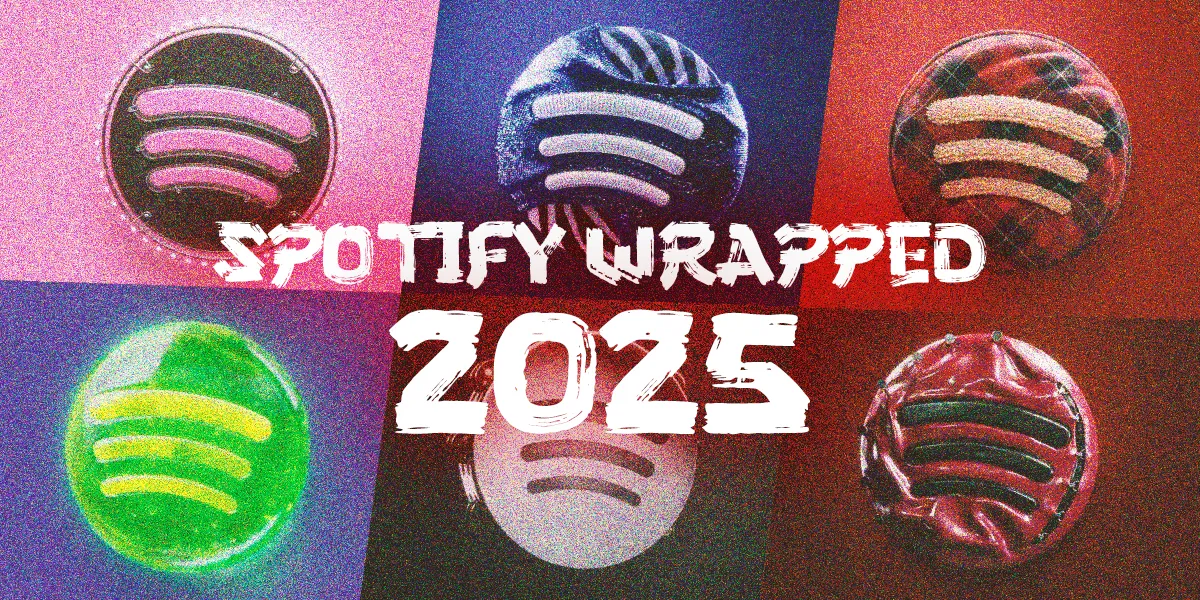
For those who are not familiar, Spotify Wrapped is a personal music summary for each user throughout the year, including top artists, most played songs, and favorite genres. Year after year, this feature has evolved into an internet phenomenon.
Some features that have gone viral:
- A thank you video directly from artists for the top 1% listeners
- Zodiac determination from favorite artists
- The Sound Town feature that tells users which city best matches their music taste (e.g., Jakarta, Singapore, etc.)
In essence, Wrapped is not just data. It is a platform for flexing, nostalgia, and annual comedy.
2. When is Wrapped 2025 Released?
Spotify Wrapped was released on Wednesday (December 3, 2025) night. This aligns with the release pattern in previous years. Yes, Spotify Wrapped usually releases on a weekday at the end of November or early December, and since 2021, it has always fallen on the Wednesday after Thanksgiving.
Here is the release list since 2018:
2025 Wednesday, December 3
2024 Wednesday, December 4
2023 Wednesday, November 29
2022 Wednesday, November 30
2021 Wednesday, December 1
2020 Tuesday, December 1
2019 Thursday, December 5
2018 Thursday, December 6
3. New Features in Wrapped Spotify 2025
This year, Spotify Wrapped introduces several new features to pamper its users. What are they? Check it out..
1. Wrapped Party
Similar to Listening Collaboration, but this one is the Wrapped version. This means users can create a kind of group to listen to each other's favorite songs together. The group can consist of a maximum of 9 people.
2. Clubs
Every user certainly has different music preferences. Well, through this feature, you can be grouped with users who have the same music taste as you. This feature can make us more social and find new circles with similar music preferences.
3. Listening Archive
With this feature, you can flashback over the past year, for example in a specific month, when you listened to various different genres the most. Essentially, you can gain more detailed and in-depth insights related to your music listening experience on Spotify throughout the year 2025.
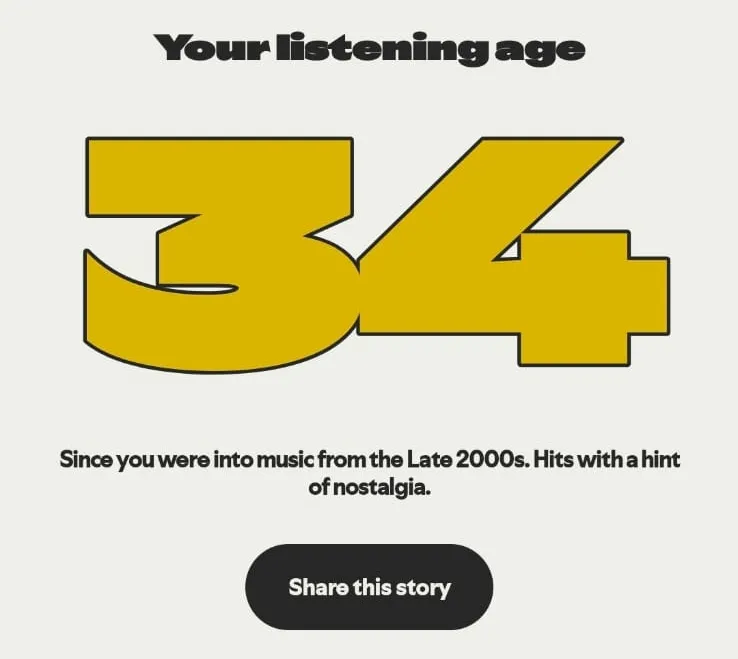
4. Listening Age
Spotify Wrapped 2025 also presents a unique feature to read the era of music you listen to, whether it’s oldies, 90s music, or even the latest. From all the collected data, Spotify will give you a Listening Age that corresponds to your experience.
5. Top Albums & Fan Leaderboard
Wrapped 2025 adds a list of the albums you played the most. Plus there is also a Fan Leaderboard where you can check your total listening intensity ranking compared to other users.
6.Your Podcaster Clip
Some creators also include clips or short messages that appear in Wrapped as a form of appreciation for loyal listeners.
With this array of new features, users have many options to share their best moments on Spotify to their respective social media. How? Check below..
4. How to Share Spotify Wrapped on Social Media
So the important question is, how do you flex your Spotify Wrapped on your social media accounts? It's really easy.
- Access the Spotify app on your respective smartphones.
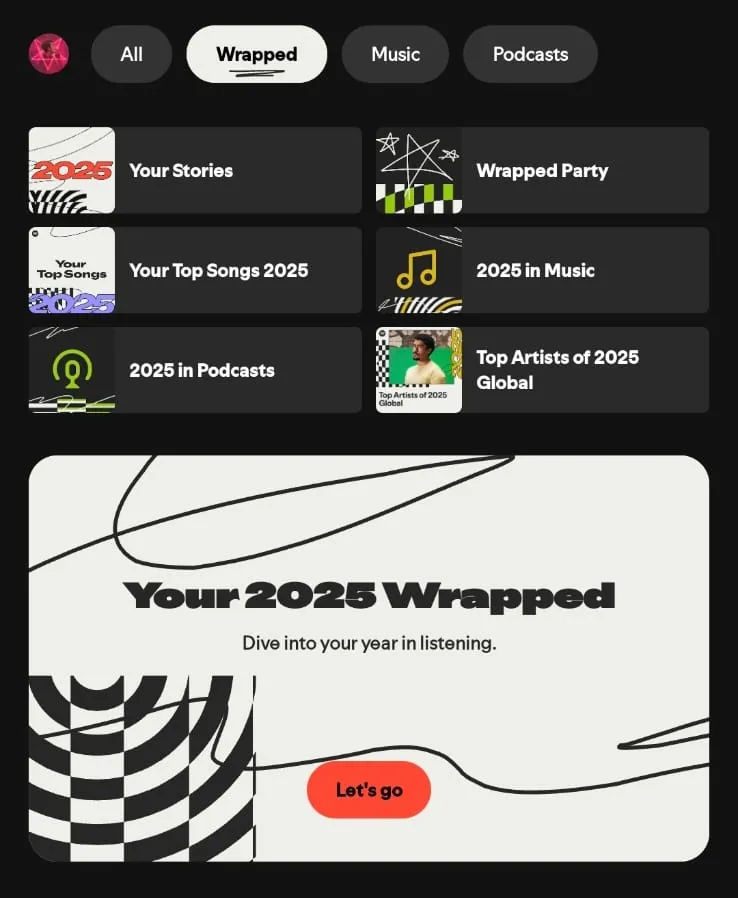
- The 'Wrapped' banner will automatically appear on the main page with the caption: "Your 2025 Wrapped - Dive into your year in listening". Click on that banner.
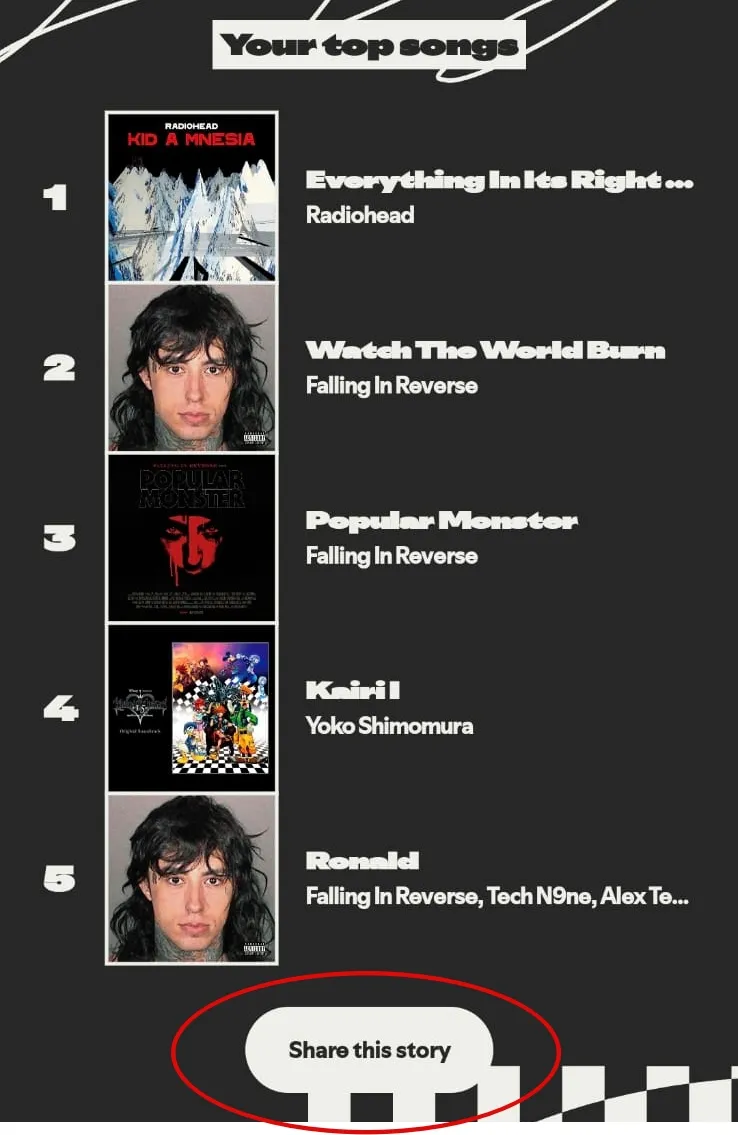
- Next, you can slide up to start viewing the Wrapped details, including total listening minutes, top artists, top songs, top albums, top genres, and more.
- Now, you just need to specifically choose which part you want to share on social media by pressing the 'Share this story' button.
- Then, several options will appear for which social media accounts you want to share that Wrapped, whether it's TikTok, Instagram, and so on.
6. Important Notes
The Wrapped Spotify feature is only available on the mobile app, not on desktop. But don’t worry, because free Spotify users can also join this trend. So there’s no need to buy premium first.
Happy trying and enjoy flexing!
(kpl/pit)
Disclaimer: This translation from Bahasa Indonesia to English has been generated by Artificial Intelligence.


 Follow
 Rekomendasi