Kapanlagi.com - TikTok has become one of the most popular social media platforms today, with various interesting features that allow users to create and share content. One of the frequently used features is the ability to repost or share videos from others.
In this article, we will discuss in depth about how to view reposted content on TikTok, as well as various aspects related to this feature.
1. Understanding the Repost Feature on TikTok
TikTok Logo (credit: unsplash)
The repost feature or repost on TikTok allows users to share videos they find on the platform with their followers without having to download or re-upload the video. This is an effective way to share content that is considered interesting or useful with the TikTok community.
When someone reposts a video, that video will appear on their followers' For You or Following page. It is important to remember that not all videos can be reposted, depending on the privacy settings applied by the original content creator.
This repost feature has several advantages, including:
- Facilitating the spread of interesting content
- Increasing interaction among TikTok users
- Helping content creators gain more exposure
- Enriching users' TikTok feeds with diverse content
2. How to View Reposts on TikTok
To view reposts on TikTok, follow these steps:
- Open the TikTok app and make sure you are logged into your account.
- Tap the “Profile” icon located in the bottom right corner of the screen.
- On your profile page, look for and tap the “Repost” tab or the double arrow icon indicating reposts.
- You will see a list of videos that you have reposted.
- Tap the video you want to view to play and access its content.
If you do not see the “Repost” tab on your profile, it may be because you have not reposted any videos. In this case, the tab will appear after you make your first repost.
3. Using the Discover Feature to Find Reposts
TikTok Logo (credit: unsplash)
In addition to viewing reposts on your own profile, you can also use the Discover feature to find interesting reposts from other users. Here’s how:
- Open the TikTok app and go to the Discover tab at the bottom of the screen.
- On the Discover page, you will see various popular and trending videos.
- Scroll down and check the “Reposted” or “Repost” section to find interesting reposts.
- Tap on the reposted video you want to view to play and access its content.
Using the Discover feature can help you find new and interesting content that may not regularly appear in your feed.
4. Viewing Reposts on Other Users' Profiles
If you want to see reposts made by other users, follow these steps:
- Open the TikTok profile of the user you want to explore.
- On the profile page, select the Video tab to see all videos uploaded by that user.
- Look for videos with a circular arrow in the upper right corner. This indicates that it is a repost.
- Tap on the video to view it and access its content.
Keep in mind that not all users allow their reposts to be visible to the public. Some users may restrict the visibility of their reposts to only friends or certain followers.
5. Benefits of Seeing Reposts on TikTok
TikTok Logo (credit: unsplash)
Seeing reposts on TikTok can provide various benefits for users. Some of these include:
- Discovering new content: Reposts can introduce you to content you may not have seen before.
- Keeping up with trends: By viewing reposts, you can stay updated on the latest trends on TikTok.
- Content inspiration: Reposts can provide inspiration for your own content or new creative ideas.
- Expanding your network: Through reposts, you can discover new content creators that are interesting to follow.
- Increasing interaction: By viewing and interacting with reposts, you can enhance your engagement on the platform.
6. Tips for Managing Reposts on TikTok
To maximize your experience using the repost feature on TikTok, here are some tips you can apply:
- Choose wisely: Before reposting, ensure that the content aligns with the values and image you want to project on your TikTok account.
- Give credit: Although TikTok automatically displays the source of the reposted video, it doesn't hurt to give additional credit to the original content creator in your caption.
- Use the comment feature: Add your own comments when reposting to provide context or reasons for sharing the video.
- Monitor interactions: Pay attention to how your followers react to the repost. This can be an indicator of whether they enjoy that type of content or not.
- Maintain balance: Balance your original content with reposts to keep your TikTok profile unique.
7. How to Delete a Repost on TikTok
TikTok account profile page (credit: unsplash)
If you want to delete a repost that you have made, follow these steps:
- Open your TikTok profile and go to the “Repost” tab.
- Find the video you want to remove from the repost list.
- Tap on the video to open it.
- Tap the “Share” icon, which is usually located on the right side of the screen.
- From the options that appear, look for and select “Delete Post” or “Remove Repost.”
- Confirm your action by tapping “Delete” or “Remove.”
After following these steps, the repost will be removed from your profile and will no longer appear in your followers' feed. It is important to note that deleting a repost will not affect the original video or any interactions that have occurred previously.
8. Ethics in Reposting Content on TikTok
When using the repost feature on TikTok, it is important to pay attention to ethics and respect the copyright of the original content creators. Here are some ethical guidelines to consider:
- Always credit the original content creator, even if TikTok automatically displays the source.
- Do not repost content that is personal or sensitive without explicit permission from the original creator.
- Respect the content creator's request if they ask you to remove your repost of their video.
- Do not alter or modify the original video when reposting, unless permitted by the content creator.
- Use the repost feature for positive purposes, such as sharing useful information or supporting creators you like.
9. The Difference Between Reposting and Other Features on TikTok

TikTok account profile page (credit: unsplash)
TikTok has several content sharing features that may sound similar to reposting. Here are the differences between reposting and other features:
- Reposting vs Duet: Reposting simply shares the original video without changes, while Duet allows you to create a new video alongside the original video.
- Reposting vs Stitch: Stitch allows you to use clips from someone else's video and combine them with your own content, while reposting shares the entire video without modifications.
- Reposting vs Sharing to Other Platforms: Reposting only shares videos within the TikTok platform, whereas sharing to other platforms allows you to share TikTok videos to other social media.
10. How to Increase the Visibility of Your Reposts
If you want your reposts to get more attention, try the following tips:
- Choose the right time: Repost when your followers are most active on TikTok.
- Use relevant hashtags: Add popular and relevant hashtags to increase the discoverability of your content.
- Provide engaging comments: Add your unique or insightful comments when reposting to attract attention.
- Interact with followers: Respond to comments on your reposts to increase engagement.
- Consistency: Repost regularly, but don’t overdo it. Balance is key.
11. Using Reposts to Build Community
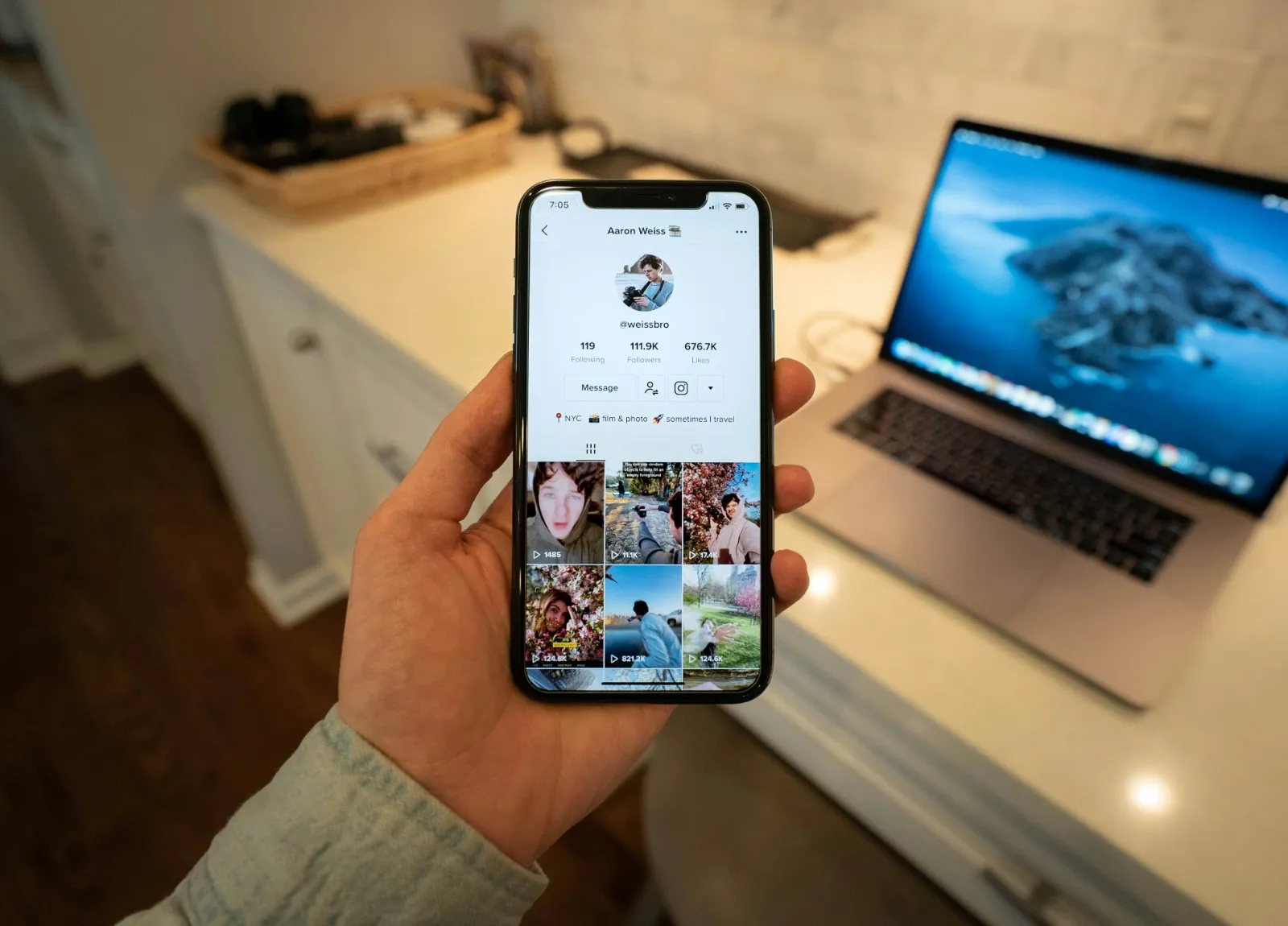
TikTok account profile page (credit: unsplash)
The repost feature can be an effective tool for building and strengthening community on TikTok. Here are some ways to leverage it:
- Share content from your followers: This can increase loyalty and encourage more interaction.
- Support small creators: Reposting content from lesser-known creators can help them gain exposure.
- Create challenges or themes: Invite your followers to create specific content that you can then repost.
- Share educational content: Reposting informative videos can add value to your community.
- Use for social campaigns: Utilize reposts to spread important messages or social campaigns.
12. Impact Analysis of Reposting on TikTok's Algorithm
Although TikTok does not officially disclose complete details about their algorithm, reposting can affect how content is displayed to users. Some potential impacts include:
- Increased reach: Videos that are frequently reposted may gain more visibility on the For You page.
- Influence on recommendations: TikTok's algorithm may recommend similar content to you based on what you frequently repost.
- Increased engagement: Reposting can boost the number of likes, comments, and shares, which can affect the video's ranking in the algorithm.
- Diversification of content: Reposting various types of content can help the algorithm understand your diverse interests.
13. Future Trends of the Repost Feature on TikTok

TikTok Logo on Phone (Credit: unsplash)
As an ever-evolving platform, TikTok is likely to continue enhancing the repost feature in the future. Some trends and potential developments we might see include:
- Better integration with other features like Duet and Stitch.
- More customization options when reposting, such as adding effects or filters.
- More detailed analytics features to track the performance of reposts.
- The possibility of scheduling reposts at specific times.
- Enhanced privacy controls regarding who can view and repost your content.
14. Conclusion
The repost feature on TikTok is a powerful tool for sharing and discovering interesting content on this platform. By understanding how to view reposts, manage them effectively, and utilize them strategically, you can enhance your overall TikTok experience.
Always remember to respect the copyright of the original content creators and use this feature ethically. With the right approach, reposting can be an effective way to build community, increase visibility, and enrich your experience on TikTok.
As TikTok evolves, stay up-to-date with new features and changes in platform policies. This will help you maximize your use of TikTok while maintaining the security and integrity of your account. In an ever-changing digital world, the ability to manage your content flexibly, including through the repost feature, is a highly valuable skill.
Discover more interesting and helpful reviews at kapanlagi.com. If not now, when?
(kpl/psp)
Disclaimer: This translation from Bahasa Indonesia to English has been generated by Artificial Intelligence.


 Follow
 Rekomendasi