

 Follow
 Rekomendasi

10 Elegant Photos of Kris Dayanti Wearing Batik, A Blend of Tradition and Decorum
Here are beautiful pictures of Kris Dayanti wearing batik on various occasions, the diva's charm radiates.
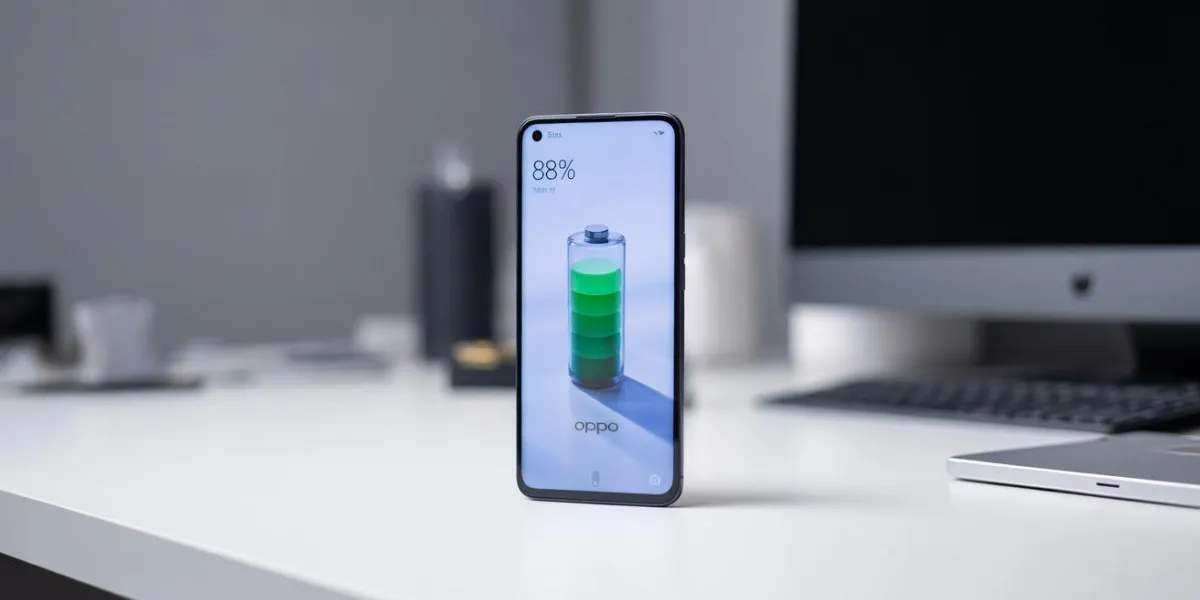
Kapanlagi.com - The health of smartphone batteries is an important aspect that every user needs to monitor regularly. A healthy battery will ensure optimal performance and maximum durability on your OPPO device.
Understanding how to check OPPO battery health is crucial for maintaining smartphone performance in the long term. A declining battery condition can affect the overall performance of the device and reduce daily usage productivity.
According to OPPO Newsroom, the Battery Health Engine technology introduced since 2022 can maintain battery capacity at 80% after more than four years of daily use. This technology is specifically designed to extend the lifespan of OPPO device batteries far beyond industry standards.
Understanding Battery Health and the Importance of Routine Monitoring (credit: Image by AI)
Battery health refers to an indicator that shows the battery's ability to store and maintain power over time. This condition significantly affects the overall performance of the smartphone and determines how long the device can be used on a single charge.
Battery health is generally influenced by several main factors such as the number of charge cycles, usage temperature, charging habits, excessive application usage, and the quality of the charger used. Understanding these factors will help users take better care of their batteries.
Quoting from the concept of health in Fundamentals of Public Health, health can be defined as a state that allows each component to function optimally. The same principle applies to smartphone battery health, where optimal conditions allow the battery to operate at its maximum capacity.
Routine monitoring of battery condition enables users to identify problems early and take necessary preventive measures. Thus, investing in an OPPO smartphone can provide maximum value over a longer period.
Method Using ColorOS Built-in Features (credit: Image by AI)
OPPO has provided a built-in feature in the ColorOS operating system that allows users to check the battery condition directly. This method is the easiest way and does not require the installation of additional applications on the device.
It should be noted that not all OPPO models support all of the above methods, depending on the version of ColorOS and the specifications of the device used.
When the built-in features do not provide enough detailed information, third-party applications can be the best solution for comprehensively monitoring the health of OPPO batteries. Several popular applications have proven to be accurate in providing in-depth analysis of battery conditions.
For optimal results, use these applications for several days to gather enough data for accurate analysis.
Tips for Caring for and Extending the Life of OPPO Battery (credit: Image by AI)
Proper care can significantly extend the life of OPPO batteries and maintain optimal performance over a longer period. Understanding good usage habits will help maximize your investment in your smartphone.
Avoid charging to 100% continuously, as very high charge levels can slightly damage battery life in the long run. It is recommended to charge between 20% and 80% to minimize damage to the battery cells.
Quoting from OPPO Newsroom, the SUPERVOOC technology is specifically designed with a dual-cell system and smart charging algorithms to ensure fast and safe charging without harming battery health. Using the original OPPO charger is highly recommended to maintain charging quality.
Ambient temperature also affects battery health, where excessively hot or cold temperatures can reduce charging speed and damage battery life in the long run. OPPO has made breakthroughs with charging capabilities at extreme temperatures down to -20°C in the latest series.
Phone Manager is OPPO's flagship feature that helps optimize battery usage through smart application and system management. This feature acts as a digital assistant that keeps the device in optimal condition.
Regular use of Phone Manager can reduce charging cycles, which means extending the overall battery life.
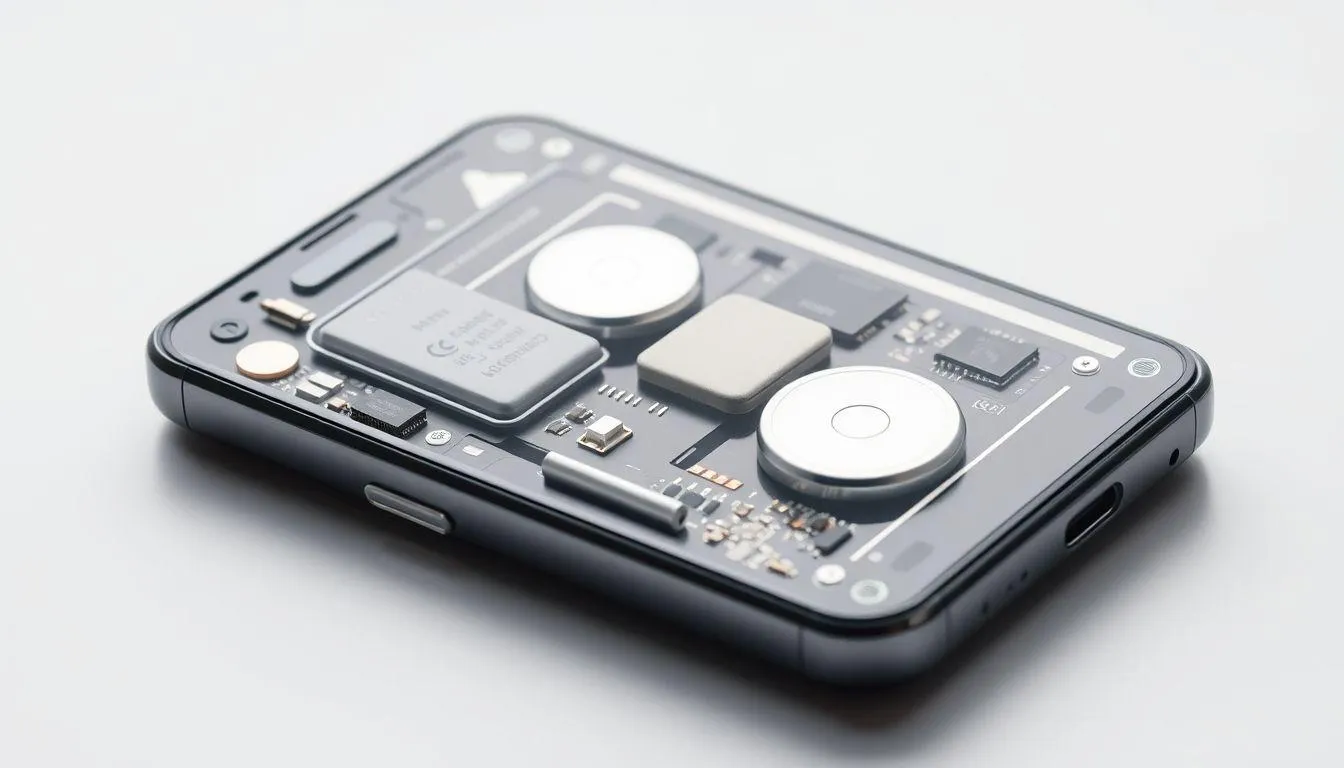
Addressing Myths and Facts About Smartphone Batteries (credit:Image by AI)
There is a lot of information circulating about smartphone battery maintenance that turns out to be inaccurate and can harm the battery's health in the long run. A proper understanding of how modern lithium-ion batteries work is essential for optimal care.
Regularly turning off your smartphone does not provide significant benefits for saving battery power, as modern lithium-ion batteries have very minimal power consumption when the device is in standby mode. The effect is almost the same as when the device is completely turned off.
Letting the battery drain completely (0%) can actually cause damage to the battery cells and reduce overall lifespan. The best time to charge is when the battery capacity reaches 20% to maintain optimal health.
According to OPPO Newsroom, super-fast charging with SUPERVOOC technology does not damage the battery because it uses industry-leading components and optimized charging algorithms. However, using third-party chargers with incorrect voltage can cause damage to the battery system.
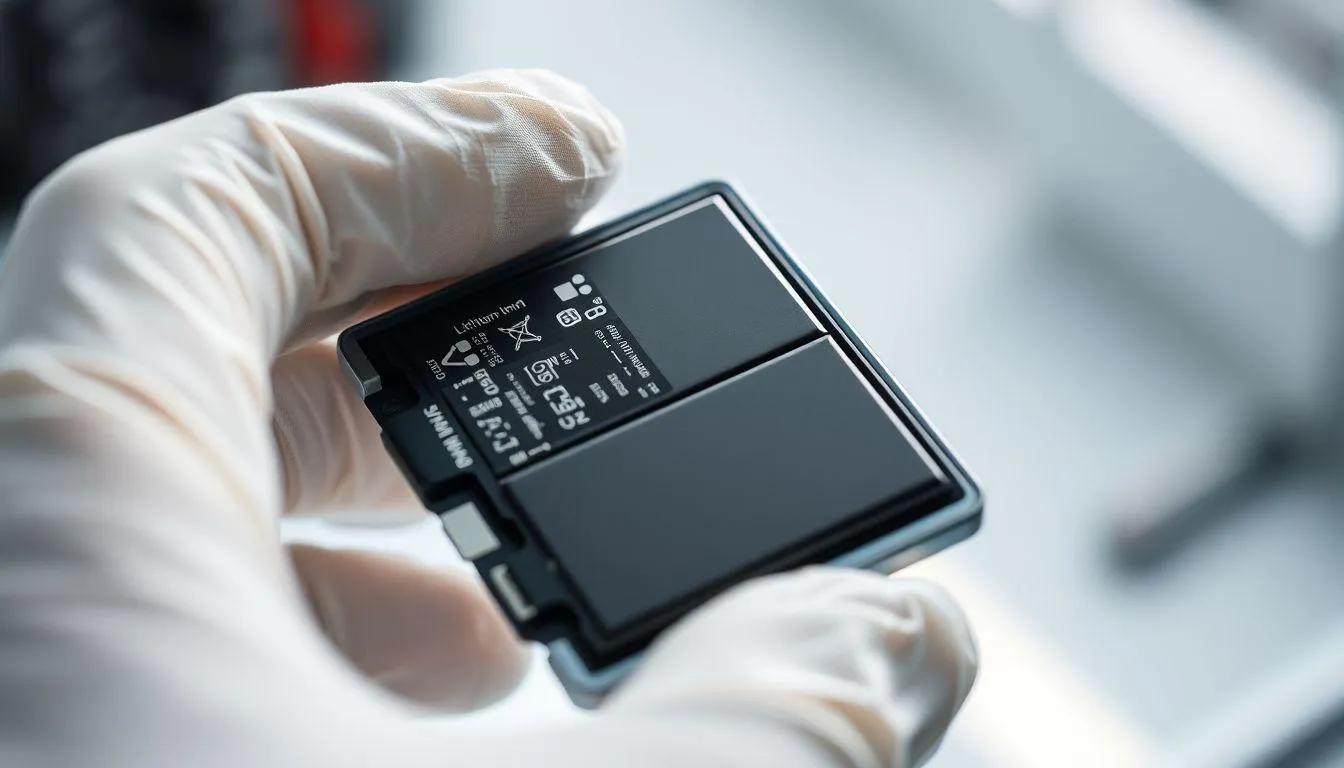
FAQ (Frequently Asked Questions) (credit:Image by AI)
Yes, a decline in battery health is normal over time with usage. Lithium-ion batteries experience natural degradation; however, with OPPO's Battery Health Engine technology, this decline can be minimized to maintain 80% capacity after four years of use.
Battery health above 80% is still considered in good condition for normal use. If battery health drops below 70%, it may be time to consider battery replacement or a new device for optimal performance.
Apps from trusted developers like AccuBattery and AIDA64 are generally safe to use. Make sure to download from the official Google Play Store and read user reviews before installation to avoid potentially harmful apps.
It is recommended to check battery health every 2-3 months or when experiencing a decline in battery endurance performance. Regular monitoring helps identify issues early and take necessary preventive actions.
The Battery Health Engine technology has been introduced in OPPO products since 2022 and is available on more than a dozen smartphone models. For older models, this feature may not be available, but other methods can still be used to monitor battery health.
Use the original OPPO charger or a certified charger that is compatible with VOOC/SUPERVOOC technology. Avoid generic chargers that lack safety certification as they can damage the charging system and reduce battery lifespan.
Power-saving mode does not affect the accuracy of battery health checks because the parameters measured are the physical condition of the battery cells. However, for more accurate results, it is recommended to check under normal usage conditions without the power-saving mode activated.
Come on, read articles about guides and other interesting tips on Kapanlagi.com. If not now, when, KapanLagi?
(kpl/vna)
Cobain For You Page (FYP) Yang kamu suka ada di sini,
lihat isinya
Here are beautiful pictures of Kris Dayanti wearing batik on various occasions, the diva's charm radiates.

From sweet love stories to thrilling adventures, these latest Chinese dramas are ready to make your nights even more exciting. Let's take a look at the best-selling Chinese dramas on Netflix right now!

A letter written by Ammar Zoni before being transferred to Nusakambangan Prison turns out to be more than just an outpouring of a friend's heart.

In the midst of his divorce process with Rien Wartia Trigina, Andre Taulany is faced with the issue of the leaked contents of the divorce lawsuit on social media.

Prilly Latuconsina has a luxurious American Classic style home with stunning architecture. One corner that catches attention in Prilly's house is her luxurious and aesthetic kitchen. Curious about what the portraits look like?

Discover exciting and interesting recommendations for anime similar to Sword Art Online to watch!

The Chinese drama Never-Ending Summer is capturing the attention of C-Drama fans. Reportedly adapted from the popular novel Zhui Luo, this drama tells a story full of emotional conflicts and nostalgic youth that is captivating.

A collection of Japanese films about dogs that teach the meaning of loyalty, love, and sacrifice.

This is the moment Amanda Manopo before unboxing Kenny Austin, very funny.

Ayu Chairun Nurisa reveals reasons for living apart and denies allegations related to the sensational Ashanty case.

KLovers, let's take a peek at the super adorable moments of Zhao Keyi and Bao Shang En behind the scenes of the latest Chinese drama, NEVER ENDING SUMMER!

The lawyer reasoned that divorce hearings, especially in the Religious Court, are closed because they involve someone's privacy and personal matters.
