Kapanlagi.com - The corona pandemic has forced people to work from home. Even workers are advised to Work From Home (WFH). In order to help WFH run smoothly, several applications are utilized, one of which is ZOOM.
Yes, this application is commonly used for long-distance video conferences. It is not uncommon for some people to use it just to relieve longing for friends and loved ones.
For those who still don't have the application, let's find out how to easily install ZOOM on your mobile phone.
1. How to Install ZOOM
For KLovers Android users, here's an easy way to download ZOOM on your mobile phone.
1. Open Play Store on your mobile phone.
2. Type 'ZOOM' in the search bar.
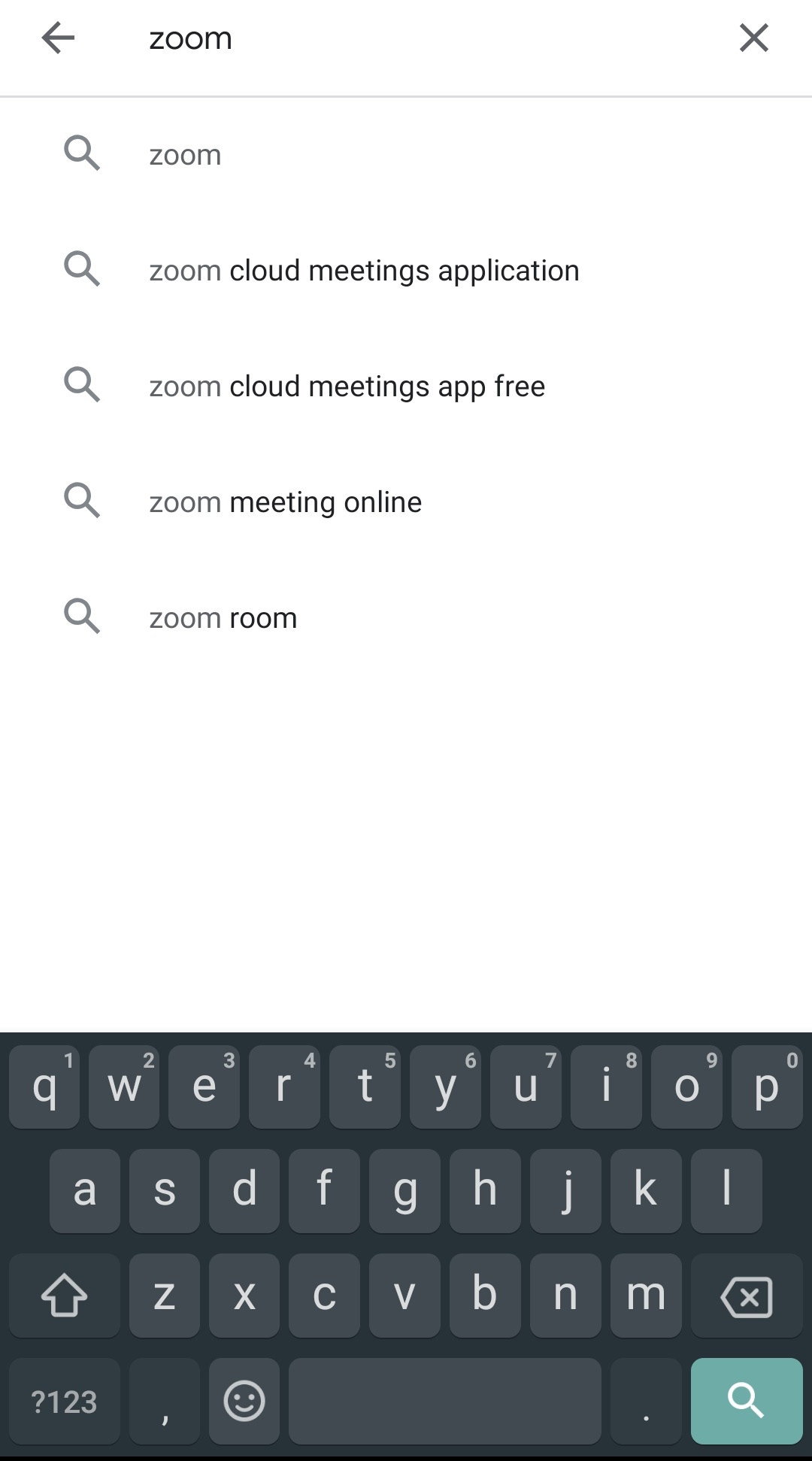
3. Once it appears as shown in the image below, simply click on the 'Install' button.
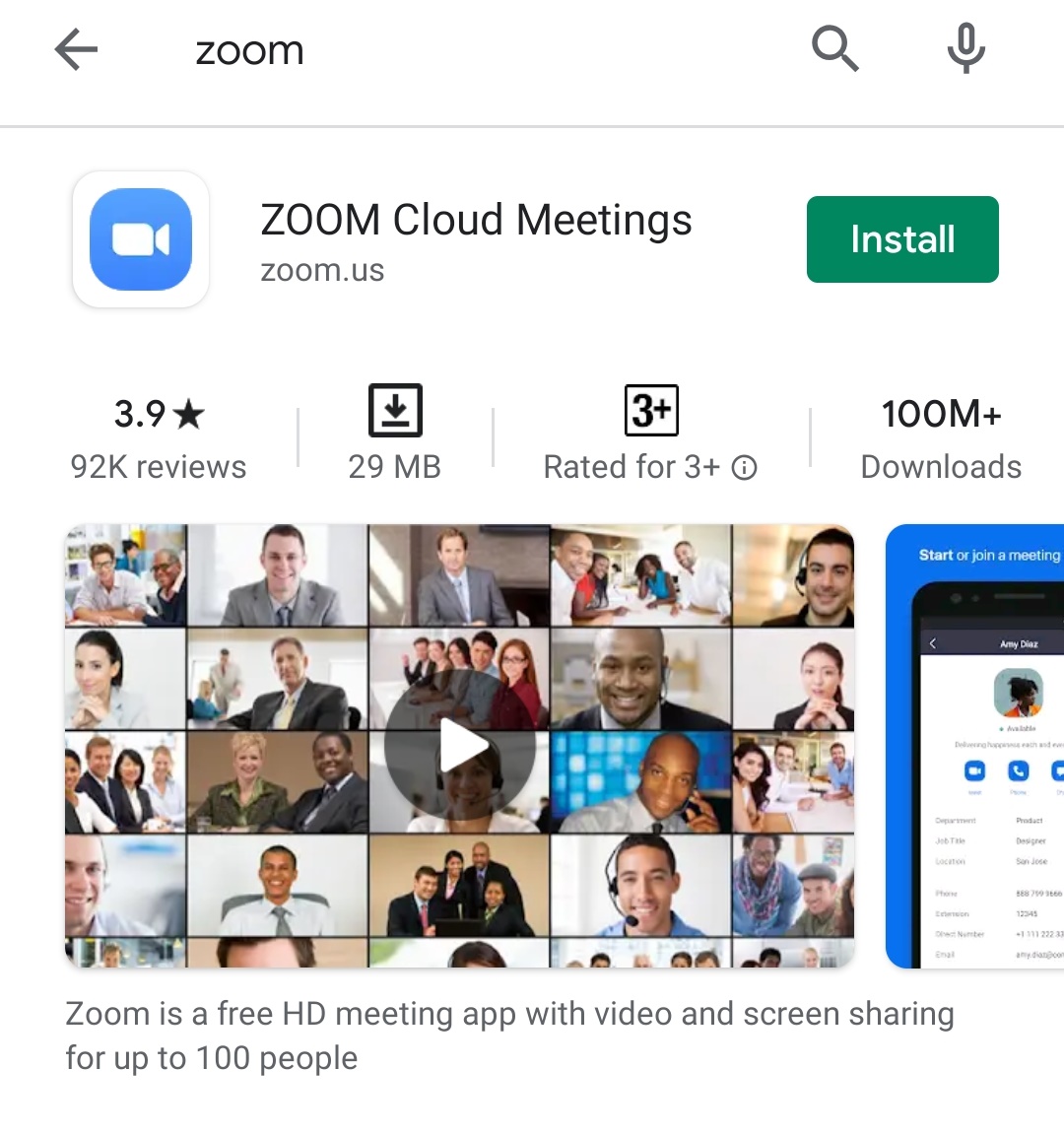
4. Wait a few moments until the download process is complete.
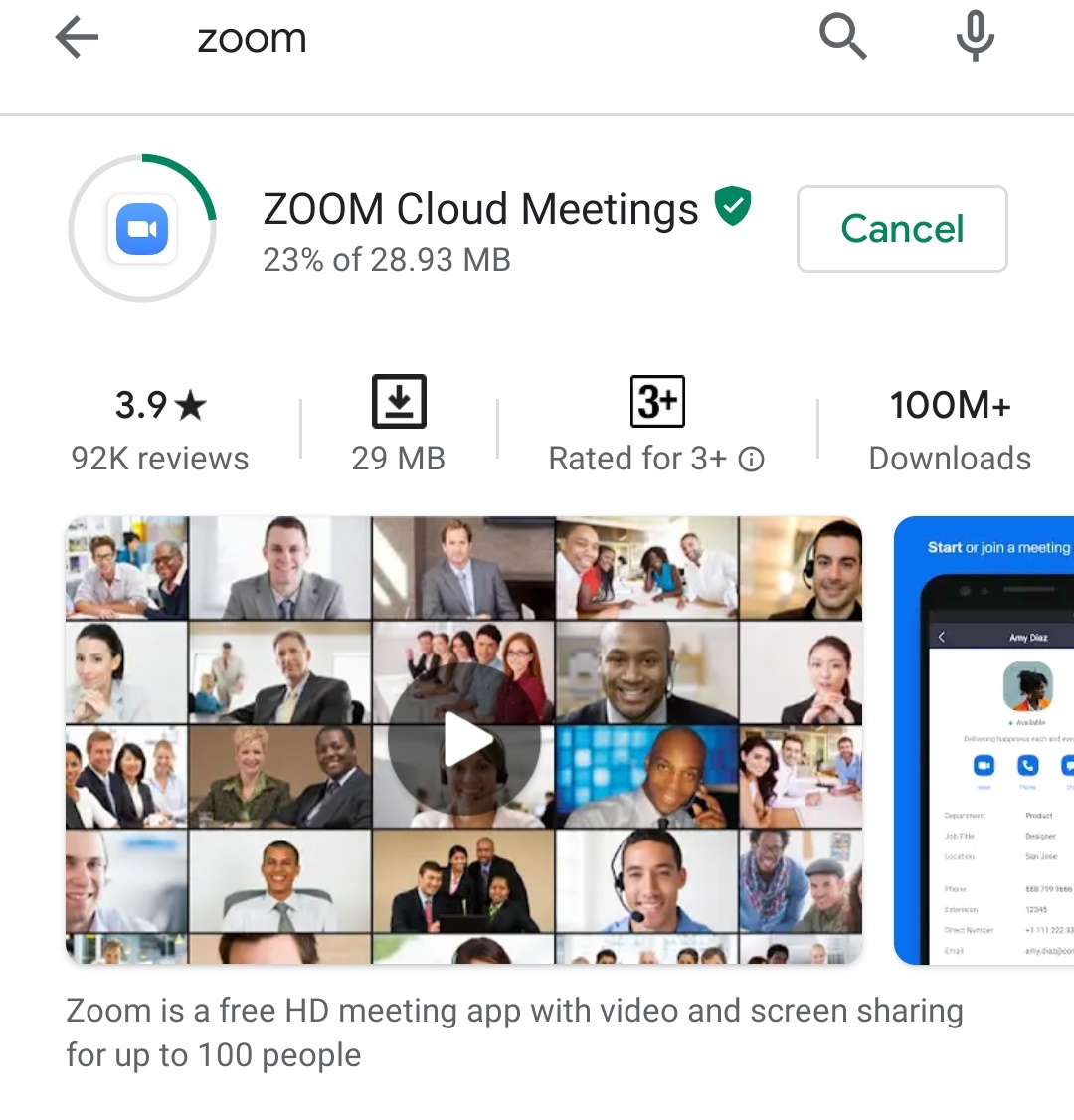
5. The ZOOM application will appear on your mobile phone.
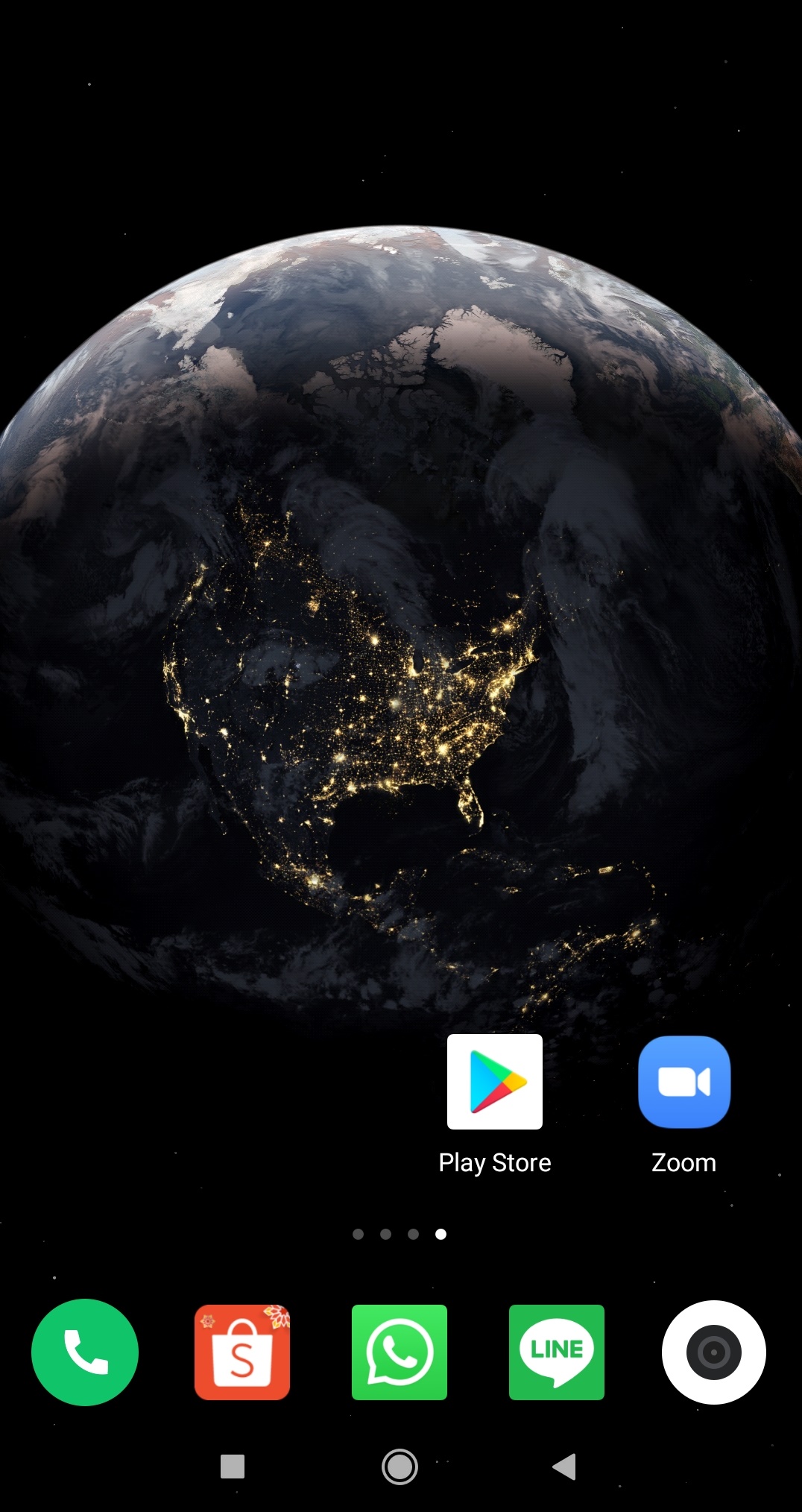
It's easy, right? Now you can chat and have face-to-face conversations online with your loved ones.
(kpl/lou)
Disclaimer: This translation from Bahasa Indonesia to English has been generated by Artificial Intelligence.


 Follow

 Rekomendasi